AI image generation has improved dramatically in the last two years. Tools that produced distorted, uncanny results in 2022 now generate photorealistic images, detailed illustrations, and professional artwork in seconds — many of them completely free.
The challenge is choosing from the dozens of options available. We evaluated seven widely used free AI image generators across five criteria: image quality, free-plan access, ease of use, text rendering, and commercial-use considerations.
Because free limits, models, and licensing terms change frequently, always check the current terms before using generated images commercially.
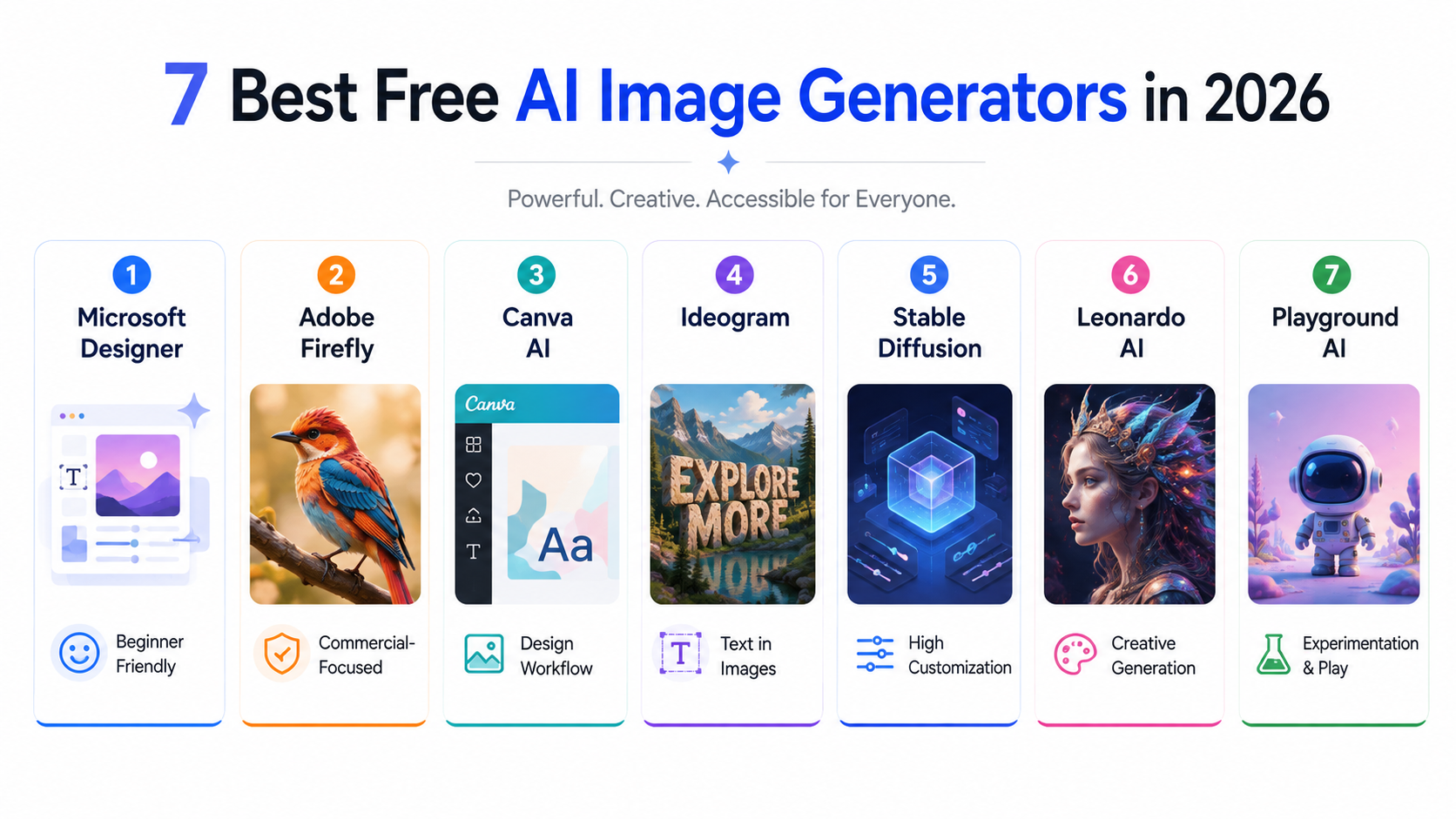
Here are the 7 best options for different use cases.
What We Tested
Every tool was evaluated against the same core criteria, including image quality, free-plan access, ease of use, text rendering, commercial-use considerations, and generation speed.
Important: Free image-generation limits, available models, and commercial-use terms can change. The recommendations below reflect the information available when this article was updated in August 2026. Check each provider's current pricing and licensing terms before relying on a specific free quota or using generated images commercially.
1. Microsoft Designer (DALL-E 3) — Best Overall Free Option
Free plan: Free access is available, with usage limits that can change Commercial use: Check Microsoft's current Designer license before commercial use Best for: Quick image generation, social media graphics, and general-purpose visuals
Microsoft Designer provides an easy way to generate and edit images from text prompts without requiring a complicated workflow. It is particularly useful for beginners who want to generate visuals and then continue editing them inside the same design environment.
What makes it stand out:
Designer can generate images containing text, although Microsoft notes that generated text can still contain spelling errors or language inaccuracies. If accurate text inside the image is your main priority, compare the output with a tool specifically optimized for text rendering. Photorealistic human faces come out natural rather than uncanny. The social media templates layer AI generation with design tools for complete graphics.
Limitations: Daily credit limit resets every 24 hours. Complex or highly detailed prompts sometimes require multiple attempts.
Try it: designer.microsoft.com
2. Adobe Firefly — Best for Commercial Use
Free plan: Limited free daily generations; limits vary by feature Commercial use: Yes for eligible Firefly-generated outputs; check the specific feature and current terms Best for: Professional work, photo editing, commercial projects
Adobe positions Firefly around commercially safer generative AI, with Firefly models trained on licensed content and public-domain content. Adobe states that eligible Firefly-generated outputs can be used in commercial projects, although users remain responsible for checking the terms of the specific feature or partner model they use. This is a significant advantage for businesses, marketers, and anyone creating content for clients.
What makes it stand out:
Generative fill is the most impressive feature — you can add or remove objects from existing photos by painting over an area and describing what should appear. The result integrates seamlessly with the surrounding image. Text effects generate stylized typography for logos and graphics. The quality of photorealistic images is excellent.
Limitations: Free access is limited and the available allowance can vary by feature and plan. Check Adobe's current Firefly limits before relying on it for high-volume generation. Try it: firefly.adobe.com
3. Canva AI Image Generator — Best for Non-Designers
Free plan: Limited AI usage; availability and limits can vary Commercial use: Generally available for lawful uses, subject to Canva's AI and content licensing terms Best for: Social media, marketing materials, complete design workflow
Canva's AI image generator is built directly into the design platform — which means you can generate an image and immediately place it into a social media post, presentation, or marketing graphic without switching tools. For non-designers who need both image generation and design in one place, this integration is uniquely valuable.
What makes it stand out:
The workflow from image generation to finished design is seamless. Generate an image, place it on a template, add text, and export — everything in one platform. The style options make it straightforward to get consistent visual styles across multiple generated images.
Limitations: The generation quality is not quite at the level of DALL-E 3 or Stable Diffusion for photorealistic work. Free plan limits are more restrictive than some competitors.
Related articles
AI Tools
AEO vs GEO vs SEO: Definitions & Differences (2026)
AEO vs GEO vs SEO explained with clear terminology, use cases, and a practical decision framework for when each term matters.
AI Tools
AI SEO Checklist for Beginners (2026 Guide)
A step-by-step AI SEO checklist for beginners covering research, implementation order, internal links, schema, EEAT, and post-publish monitoring.
Try it: canva.com
4. Ideogram — Best for Text in Images
Free plan: Free access is available; generation limits can change Commercial use: Commercial use is available for generated outputs subject to Ideogram's current terms Best for: Posters, thumbnails, any image requiring readable text
Ideogram solves the biggest longstanding problem with AI image generation: text. Most AI image generators produce garbled, unreadable text when you ask for an image containing words. Ideogram is particularly strong when accurate text inside an image is important, making it a strong option for posters, thumbnails, logos, and other graphic-design use cases.
What makes it stand out:
Accurate, readable text in generated images. Strong poster and graphic design aesthetics. Typography that actually looks intentional rather than decorative. The free plan provides limited generation access, making it useful for regular experimentation. Check Ideogram's current plan limits because free allowances can change.
Limitations: Less strong for photorealistic photography-style images compared to DALL-E 3 based tools. Better suited to graphic design than photography.
Try it: ideogram.ai
5. Stable Diffusion (via DreamStudio / Clipdrop) — Best for Customization
Free plan: Limited free credits on DreamStudio, some free features on Clipdrop Commercial use: Depends on the specific model and license Best for: Advanced users wanting maximum control over image generation
Stable Diffusion is an open-source image generation model family that powers many image-generation tools and can be run locally on suitable hardware, potentially avoiding hosted generation quotas. The exact capabilities and usage rights depend on the specific model and license you use. For users who want maximum control — fine-tuning styles, using specific trained models, adjusting generation parameters — Stable Diffusion offers capabilities that hosted tools with simple interfaces do not.
What makes it stand out:
Complete control over the generation process. Access to thousands of community-trained models specialized for specific styles — anime, architectural visualization, product photography, and more. Running a compatible model locally can remove hosted-generation quotas, although you still need suitable hardware and must follow the license terms of the specific model you install.
Limitations: Running locally requires a capable graphics card (GPU). The web interfaces like DreamStudio have limited free credits. The learning curve is steeper than other tools on this list.
Try it: clipdrop.co for the easiest web access, or install locally via stability.ai
6. Leonardo AI — Best Free Plan for Volume
Free plan: Free daily token allocation; the exact allowance can change Commercial use: Available for free-plan generations under Leonardo's current terms Best for: Users who need high daily image volume on a free plan
Leonardo AI offers free daily generation access, making it useful for users who want to experiment with image generation regularly. The available token allowance and generation costs can change, so check the current plan before relying on a specific daily volume. The image quality is consistently good across styles, and the platform includes features like image-to-image generation, inpainting, and a training tool for creating custom models.
One important limitation for free users is that generated assets are public under Leonardo's current free-plan model, and Leonardo states that it owns those assets as between you and Leonardo. If exclusivity or private generation matters, check the current paid-plan terms before using Leonardo for commercial client work.
What makes it stand out:
The daily token reset means regular users get a genuinely useful amount of free generation capacity. The interface is clean and beginner-friendly despite the range of advanced features available. Multiple generation models are available on the free plan covering different aesthetic styles.
Limitations: The best models are reserved for paid subscribers. Some advanced features consume tokens faster.
Try it: leonardo.ai
7. Playground AI — Best for Beginners
Free plan: Free access is available; limits can change Commercial use: Check the current Playground terms for your plan and use case Best for: Beginners, social media content, creative exploration
Playground AI is designed to make image generation accessible to beginners, with a straightforward interface for creating and experimenting with AI-generated visuals. The prompt guidance features suggest improvements to your descriptions for better results, making it a good learning tool for people new to AI image generation.
Related articles
AI Tools
AI SEO vs Traditional SEO: What Actually Changes (2026)
AI SEO vs traditional SEO explained with a practical comparison, hybrid strategy guidance, and clear rules for when each approach should lead.
AI Tools
Best AI Agents in 2026: 10 Top Picks Compared by Use Case
Compare the best AI agents in 2026 for coding, research, productivity, business, automation, and personal tasks. Find the right AI agent for your workflow.
What makes it stand out:
Its beginner-friendly interface makes it useful for experimenting with different image styles and prompts without a complicated workflow. The straightforward interface reduces the frustration of learning prompt engineering.
Limitations: Not the highest ceiling for professional quality compared to DALL-E 3 or Firefly. Less suitable for highly specialized professional work.
Try it: playground.com
Head to Head Comparison
| Tool | Free Access | Best For | Text in Images | Commercial-Use Consideration |
|---|---|---|---|---|
| Microsoft Designer | Yes, with usage limits | Beginners and general visuals | Good, but errors can occur | Check current Microsoft license |
| Adobe Firefly | Yes, limited daily access | Commercial and professional work | Good | Firefly outputs generally support commercial use |
| Canva AI | Yes, with AI usage limits | Social media and design | Good | Subject to Canva AI and content terms |
| Ideogram | Yes, with plan limits | Text-heavy graphics | Excellent | Commercial use available under current terms |
| Stable Diffusion | Depends on model/setup | Maximum control and customization | Varies | Depends on model/license |
| Leonardo AI | Yes, with daily limits | High-volume creative generation | Good | Free-plan outputs have specific ownership/public-use conditions |
| Playground AI | Free access available | Beginners and experimentation | Good | Check current plan terms |
Which Tool Should You Use?
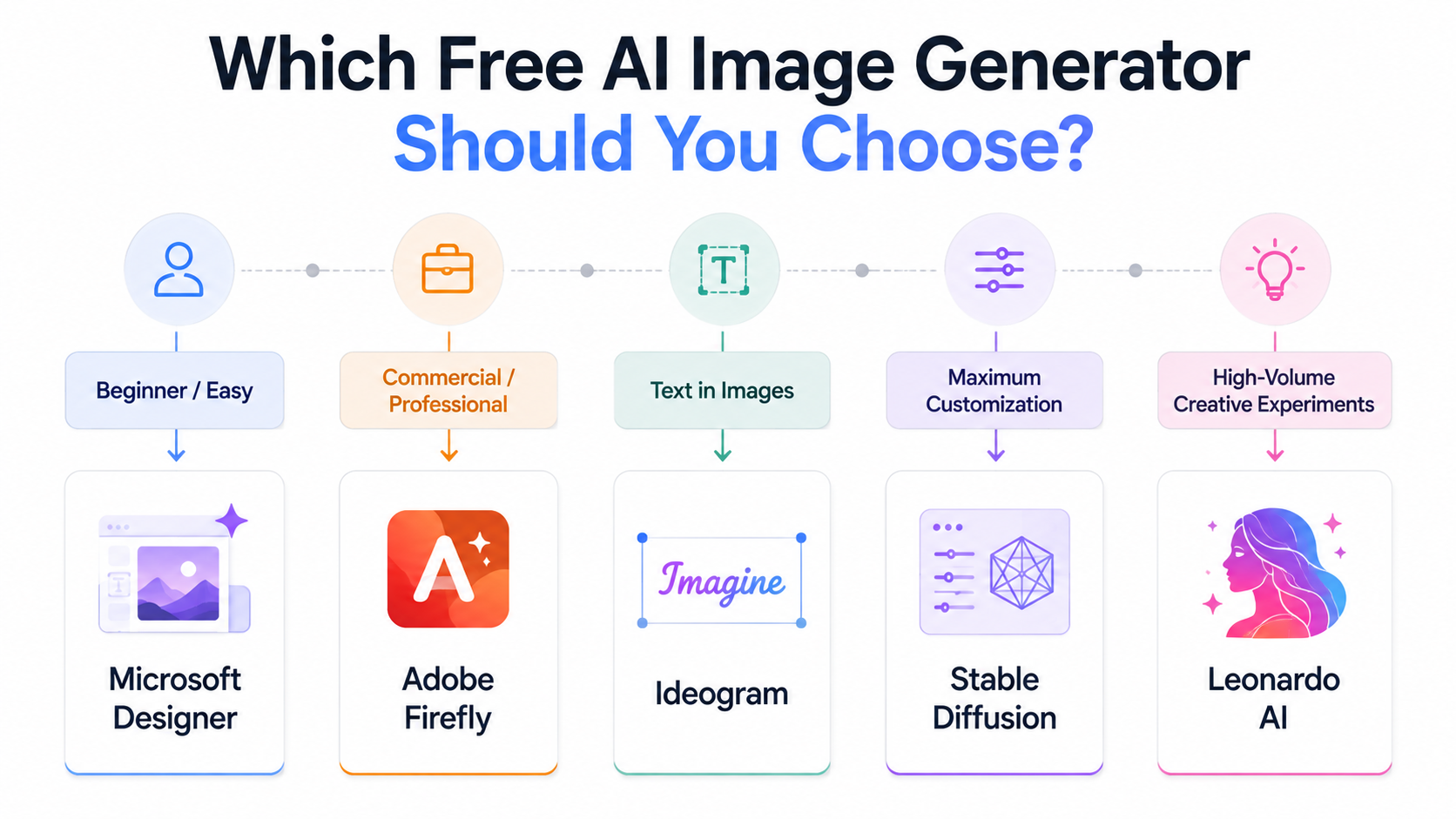
For most beginners: Microsoft Designer — easy to use and useful for quickly generating and editing visuals. Check the current license if you plan to use the output commercially.
For professional or client work: Adobe Firefly — particularly attractive when commercial-use considerations and Adobe's editing ecosystem matter.
For images containing text: Ideogram — nothing else handles text in images as reliably on a free plan.
For high-volume experimentation: Leonardo AI or Playground AI can be useful, but compare the current free-plan limits before choosing one specifically for generation volume.
For maximum control: Stable Diffusion running locally — requires setup and suitable hardware, but a compatible local setup can avoid hosted generation quotas. Always check the license of the specific model you use.
Can You Use These Images Commercially?
It depends entirely on the tool, and "free" does not automatically mean you can use the output commercially. Some free tiers explicitly allow commercial use with no extra steps, some restrict it to personal use only, and some make you dig into a separate licensing page to find out. Here's what each provider's own terms say, as of September 2026 — verify directly before relying on any of it for paid client work, since these terms change.
| Tool | Commercial use on free tier | Key catch |
|---|---|---|
| Microsoft Designer | Ambiguous in Microsoft's own Terms of Use — not explicitly granted or denied | Content-credential marks must stay attached; some community guidance describes free output as personal-use only. Verify directly before commercial use. |
| Adobe Firefly | Allowed for non-beta features, per Adobe's own FAQ | No IP indemnification on free tier (reserved for Team/Enterprise); watermark status on free exports is inconsistently reported — check your account directly. |
| Canva (Magic Media) | Allowed, same as Canva Pro | Cannot resell the raw AI image standalone (e.g., as a print) — it must be incorporated into a larger original design. |
| Ideogram | Explicitly allowed, per Ideogram's own licensing page, no free/paid distinction | Free-tier generations are public on Ideogram's Explore feed by default. |
| Stable Diffusion (Stability AI) | Allowed per Stability's general Terms of Service | Stability's consumer product branding has shifted (DreamStudio's old domain no longer resolves to it); confirm the current official product name and terms before publishing. |
| Leonardo AI | Allowed, but Leonardo retains IP ownership of free-tier outputs | Free-tier creations are automatically public and remixable by other users — upgrade for private generations and fuller ownership. |
| Playground AI | Not allowed — free plan is explicitly personal-use only | Commercial use (including print-on-demand and client work) requires a paid Pro or Pro Plus plan with an explicit commercial license. |
A few patterns worth knowing regardless of tool:
- Public-by-default free tiers (Ideogram, Leonardo) mean your exact output may be visible to or reused by other users — a practical limitation even where commercial use itself is technically allowed.
- Built-in music or stock assets bundled into a design tool (like Canva) often carry separate, more restrictive terms than the AI-generated image itself.
- Prompts referencing real people, copyrighted characters, or brand logos carry legal risk regardless of what a tool's general commercial-use policy says — that risk sits with you, not the tool.
Bottom line: Never assume commercial rights from the word "free" alone. Playground AI's free tier explicitly excludes commercial use, Microsoft Designer's policy is genuinely unclear in its own terms, and even tools that do allow it attach real conditions. Check the specific tool's current terms of service before using free-tier output in anything client-facing or revenue-generating.
Tips for Getting Better Results from Any AI Image Generator
Be specific rather than vague. "A professional woman in a blue blazer sitting at a modern desk with a laptop, natural window light, photorealistic" produces far better results than "a woman working."
Specify the style. Include terms like "photorealistic," "digital illustration," "oil painting style," "minimalist," or "cinematic photography" to direct the aesthetic.
Related articles
AI Tools
Best AI Search Rank Tracking Tools 2026: Free & Paid
Compare the best AI search rank tracking tools for ChatGPT, Perplexity, and Google AI Overviews in 2026 — free options, pricing, and citation tracking.
AI Tools
18 Best Free AI Tools in 2026 (Tested Across Every Category)
The definitive list of the best free AI tools in 2026 — tested and ranked across writing, design, coding, research, and video. No paid subs needed.
Include lighting details. "Golden hour lighting," "soft studio lighting," and "dramatic shadows" dramatically affect the mood and quality of results.
Specify what you do not want. Most tools support negative prompts — descriptions of what to avoid. Use these to remove common artifacts like "blurry," "distorted hands," "text," or "watermark."
Iterate rather than perfect in one go. Generate several variations, identify what is closest to your vision, then refine your prompt based on what the first batch produced.
Frequently Asked Questions
Can I use free AI art, painting, or drawing generators for commercial use?
It depends on the specific tool, not on whether it's free. Ideogram and Canva's Magic Media explicitly allow commercial use on their free tiers, Adobe Firefly allows it for non-beta features, Playground AI explicitly does not allow commercial use on its free plan, and Microsoft Designer's own terms don't clearly address it either way. Check the per-tool table above and the specific tool's current terms before using free-tier output in paid or client work — this applies the same whether you're generating photorealistic images, digital paintings, or illustrations.
Which free AI image generator is safest for commercial projects?
Adobe Firefly and Canva's Magic Media currently have the clearest, most explicit commercial-use permissions among the tools in this guide. Ideogram also explicitly allows it but makes free-tier generations public by default. None of this replaces reading the current terms yourself before a project where licensing actually matters.
Do I need to credit the AI tool if I use the image commercially?
For most tools in this guide, no formal attribution requirement was found. Microsoft's Copilot/Designer terms require keeping content-credential markers intact on the file itself, which is a provenance requirement rather than a "credit us in your marketing" requirement.
What's the best free AI image generator overall?
There's no single universal best — it depends on your priority. See the quick picks and comparison table above for how these seven tools differ on image quality, free-plan access, and commercial-use terms specifically.